
Custom Nintendo Switch 2 cases: fit, finishes and artwork
A buyer's guide to custom Nintendo Switch 2 protective shells: choose the exact console model and set, compare clear, pearl and glitter bases, prepare artwork around seams and openings, and approve fit on the real device.
OFFPRESS editorial · Based on direct observation of real pieces · Stage: Preparing artwork · 27 Sept 2026
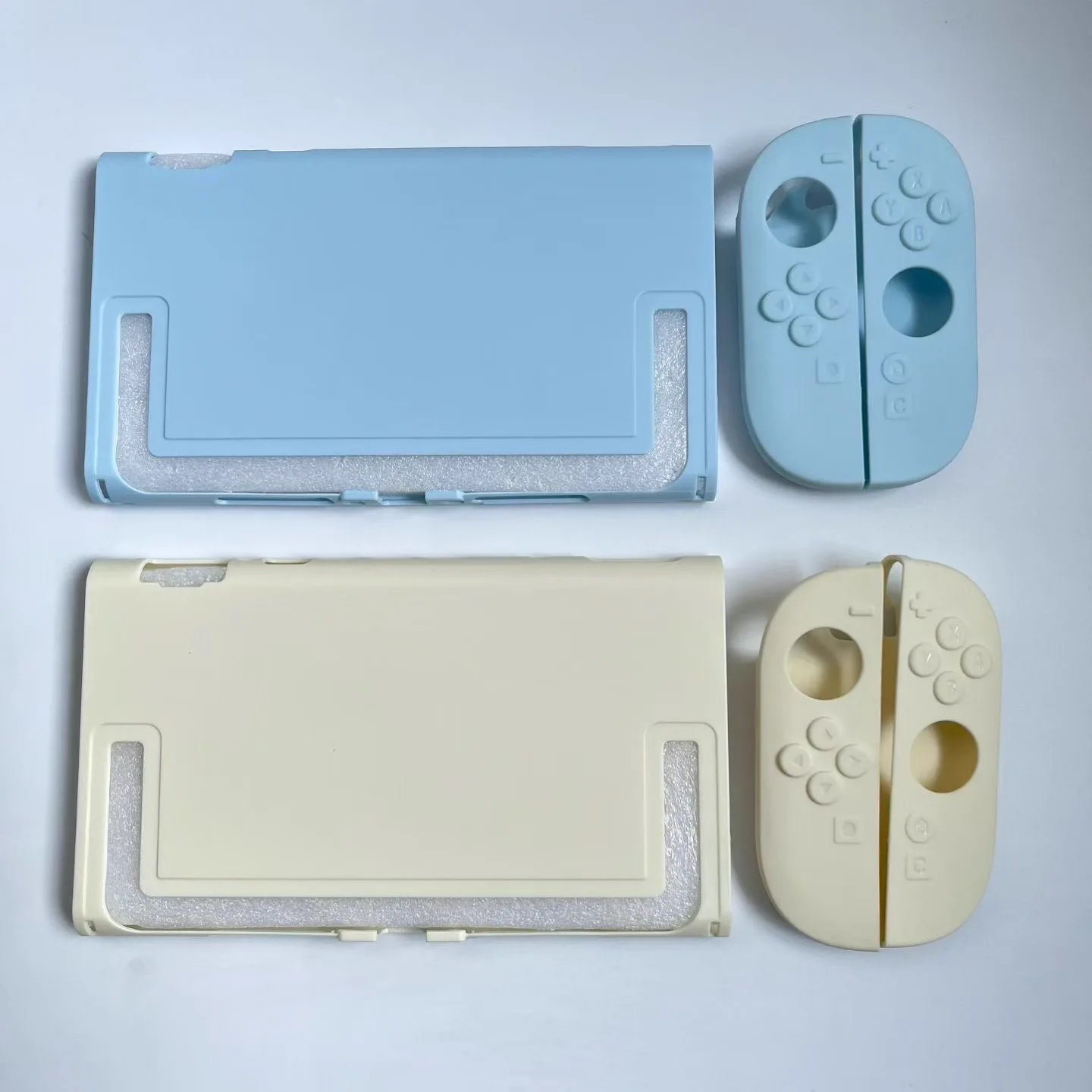
A custom Nintendo Switch case should be specified in this order: exact console model, shell set, base finish, print coverage, then artwork. The model determines the tool and openings. The set determines how many separate surfaces the design must cross. The finish changes how colour reads. Only after those three decisions does it make sense to adapt the artwork.
For a small first run, the safest brief is one console model, one shell configuration and one approved physical sample fitted to that device. Our custom Nintendo Switch case product page shows real Switch 2 shells, Joy-Con covers and dock dust covers from the current range.
What can be customised?
“Nintendo Switch case” can describe several different products. They do not share one artwork template.
| Product | What it covers | Main buyer decision |
|---|---|---|
| Console-back shell | The rear body of the console | Dock access, stand opening and vent clearance |
| Joy-Con shell pair | The left and right controllers | Split artwork, button openings and left/right orientation |
| Matching full set | Console back plus both controllers | Whether the design reads as three separate pieces or one composition |
| Dock dust cover | The docked console as a display object | Clear visibility, overall dimensions and access while covered |
These products can share a colour story, but they cannot share one unmodified print file. A back-shell template is not a Joy-Con template, and a fitted protective shell is not the same product as a rigid dust cover.
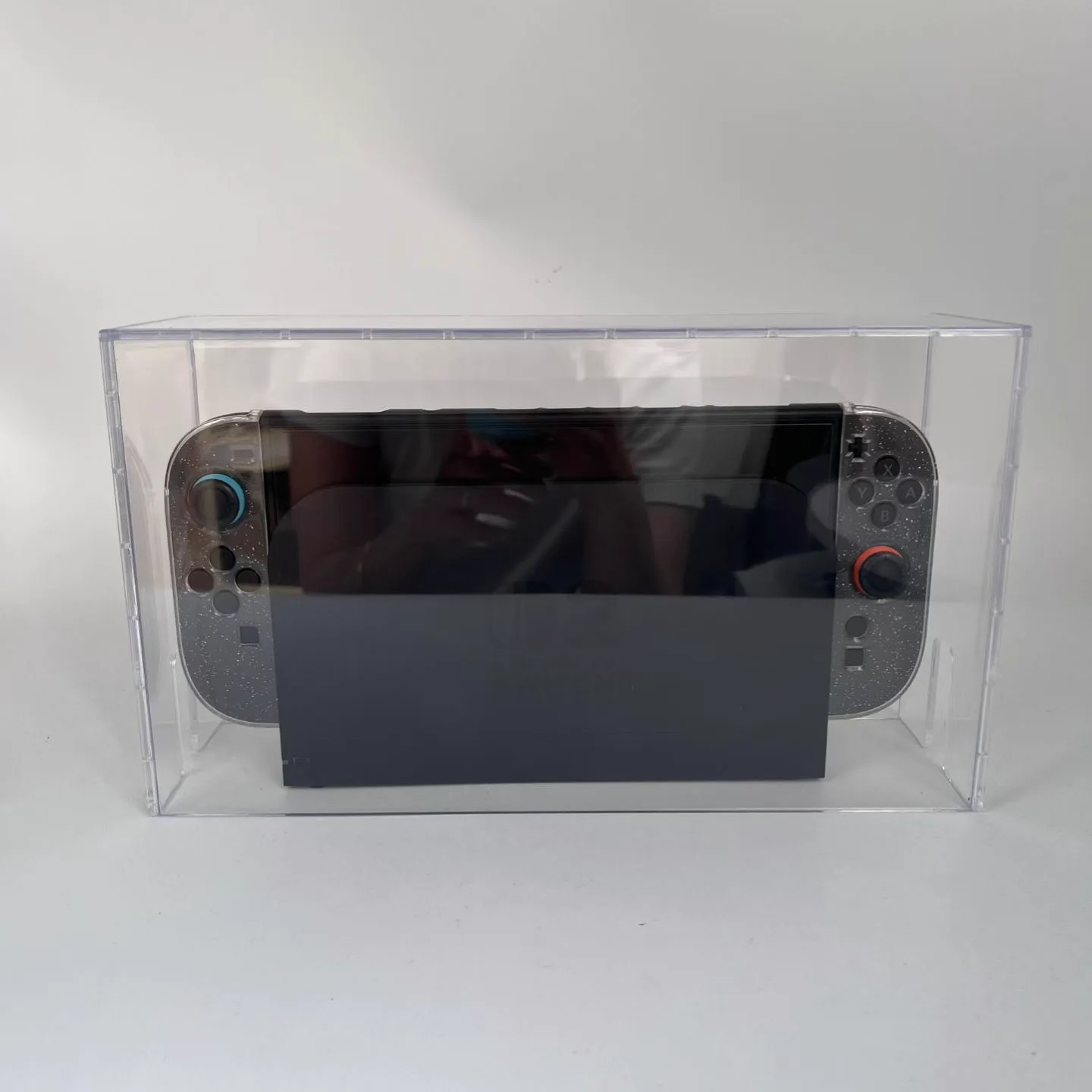
Switch 2, Switch OLED and Switch 1 are separate products
A listing that says “Switch case” is incomplete. Nintendo Switch 2, Switch OLED and the original Nintendo Switch have different bodies, openings and controller geometry. Choose the exact model before asking for a quote or starting the print layout.
Your RFQ should state:
- the console model and edition;
- console shell, Joy-Con pair, matching set or dust cover;
- whether the console must dock with the shell fitted;
- whether the stand, vents, ports and controller-release areas must remain accessible;
- quantity per colour and per artwork;
- the actual device available for sample fitting.
Do not approve a Switch 2 production run from a sample fitted only to an earlier Switch. A photograph can prove appearance; it cannot prove clip pressure, button clearance or docking fit.
Clear, pearl, glitter or solid: the base is part of the artwork
The base finish is not a neutral background. It changes the design before any ink is added.
| Finish | What it does visually | Artwork that usually suits it |
|---|---|---|
| Clear or tinted clear | Lets the device colour and internal reflections show through | Sparse marks, line art and deliberate negative space |
| Pearlescent | Shifts with the viewing angle and light | Simple shapes, soft colour fields and restrained coverage |
| Embedded glitter | Creates movement across the whole shell | Bold artwork with enough contrast to survive the sparkle |
| Solid pastel | Gives predictable colour behind the print | Characters, logos and repeating patterns that need a stable base |
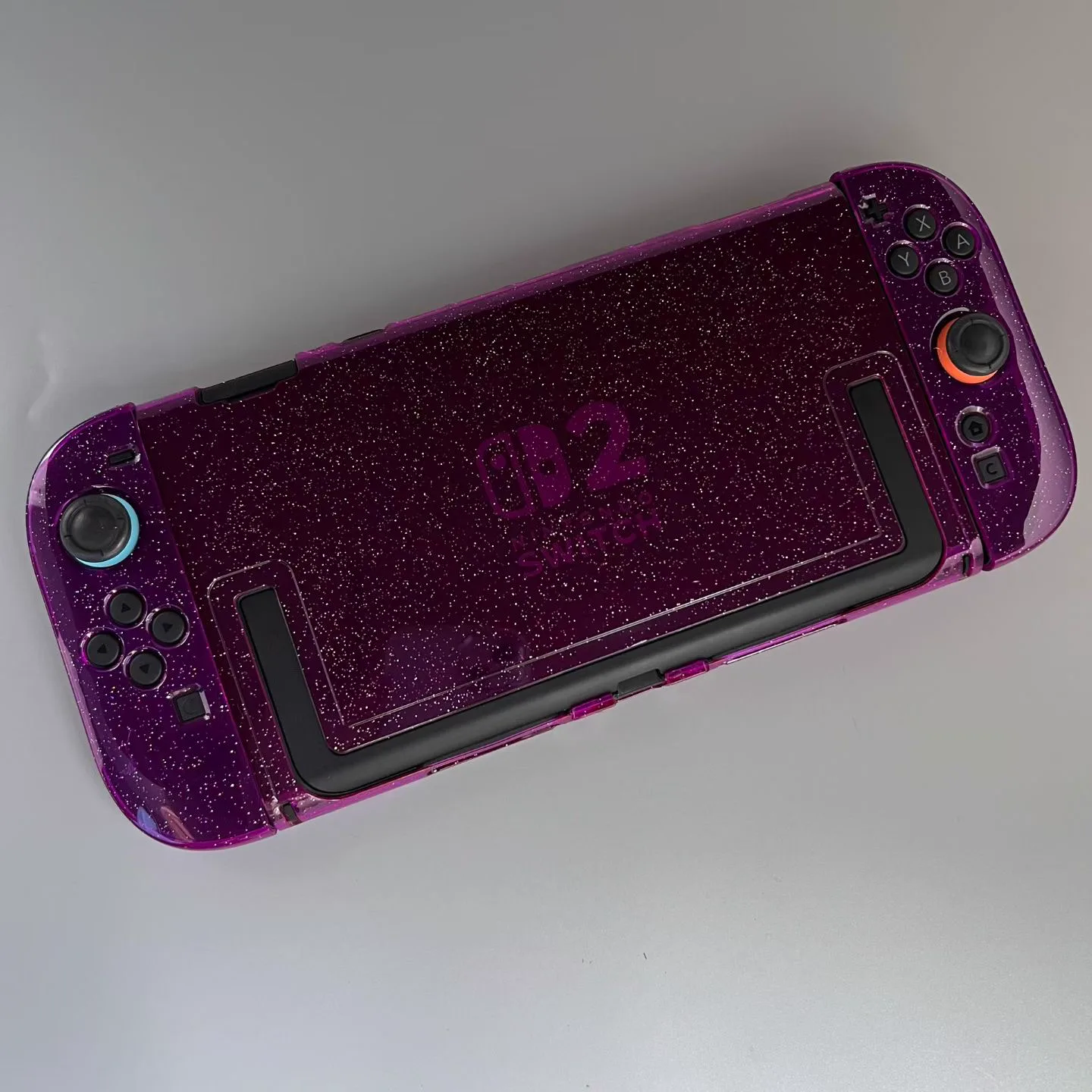
On clear, tinted or dark shells, ask whether the print needs a white underbase. The principle is similar to white ink on clear acrylic, but the case material and printing process must be confirmed for this product rather than copied from an acrylic-keychain specification.
Build the artwork as three surfaces, not one rectangle
A matching set looks like one product in a photograph, but production sees at least three fitted parts: left controller, console back and right controller. Each part has its own cutouts and clips.
The practical artwork workflow:
- Get the production template for the exact console model and shell set.
- Mark every opening, seam, clip and no-print area.
- Decide whether the design is continuous or intentionally separate.
- Keep faces, small type and important symbols away from edges and openings.
- Export each shell surface as requested, with layers and orientation labels intact.
- Print and inspect the template at actual size before sampling.
If the artwork crosses from the console body to the Joy-Con shells, accept that the gaps are part of the composition. A line that looks continuous in a flat mockup may be broken by controller spacing, shell edges or the way a person holds the console. For general file checks, use the actual-size artwork check before sending the production file.
Small-batch custom printing still needs a sample-on-device
Small-batch printing lowers inventory risk; it does not remove fit risk. The physical sample should answer two different questions.
Appearance check
- Is the base colour or effect the one approved?
- Does white ink make the printed colours read correctly?
- Are left and right artwork files oriented correctly?
- Does the design survive seams, clips and openings?
Fit and use check
- Do buttons and controller-release areas move freely?
- Are ports and vents unobstructed?
- Does the stand open as intended?
- Does the shell stay clipped during normal use?
- If docking is required, does the fitted console dock without force?
That last group cannot be approved from a render. Treat the fitted sample as the production gate, then keep it as the reference for the run. The broader process is explained in how to approve a sample before production.
How to keep a first order manageable
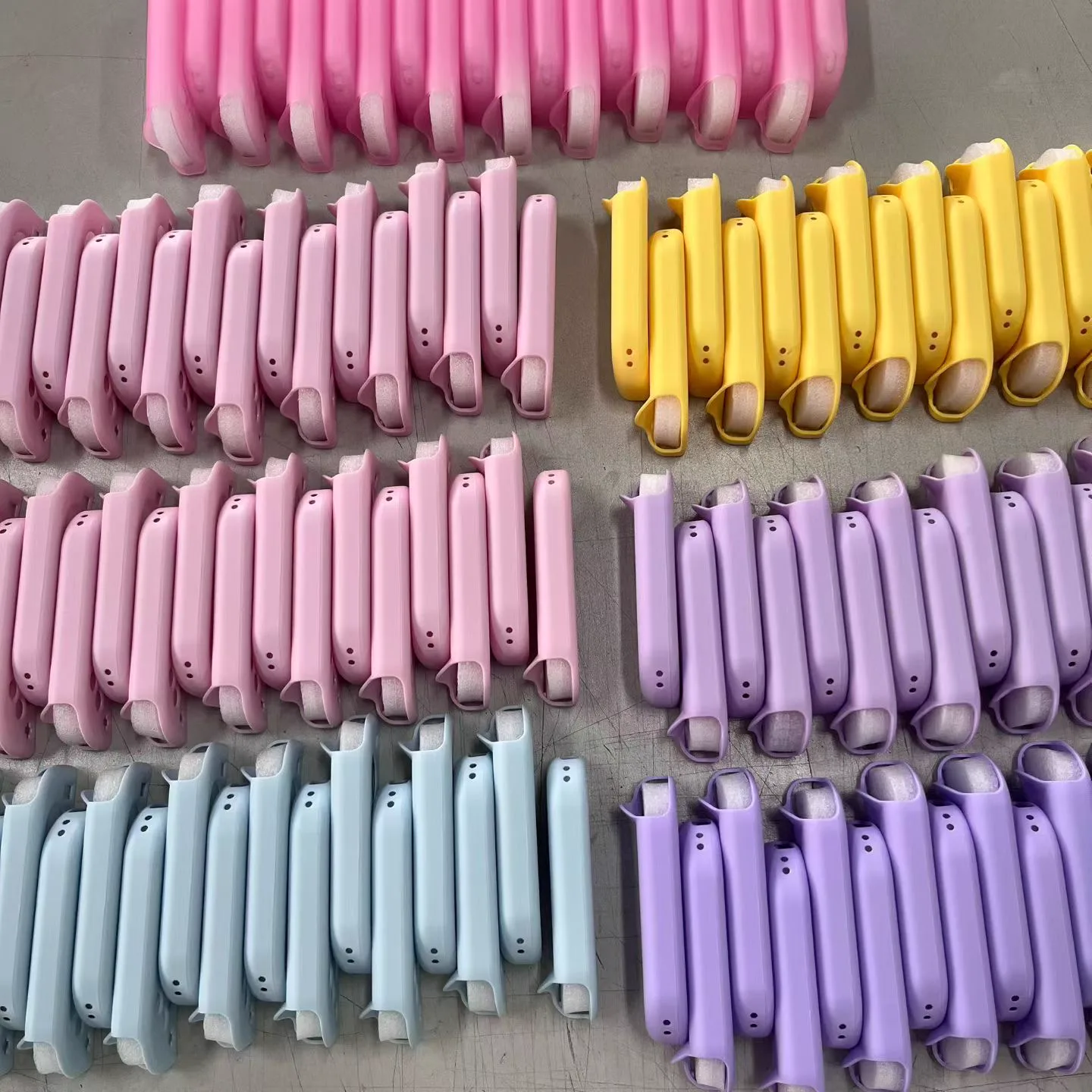
Every extra model, colour, shell configuration and artwork creates another SKU. A first order with three console models, four colours and two designs is already 24 combinations before left/right shell handling is counted.
For a lower-risk launch:
- start with the console model most common in your audience;
- choose one complete-set configuration;
- use one or two base finishes that suit the same artwork;
- sample the highest-volume combination;
- write quantities by model, colour and design in the quote;
- confirm how left/right and console pieces are packed as a set.
This is the same reason we recommend planning quantities across designs: unit price matters, but uncontrolled SKU count is often the larger first-order risk.
Copy-paste RFQ checklist
Product: Nintendo Switch protective shell / Joy-Con shell pair / full set / dock dust cover
Console model: Switch 2 / Switch OLED / original Switch
Shell must remain dockable: yes / no / not applicable
Base finish and colour: clear / tinted / pearl / glitter / solid
Custom print: yes / no
Artwork coverage: centred mark / repeat / full coverage / need advice
Quantity by colour and artwork: ___
Packaging: individual set / retail-ready / confirm options
Physical sample fitted to named device before production: YES
Destination country and deadline: ___
Send that checklist with your artwork through the quote form. If the artwork is not ready, a reference image plus the exact console model and preferred shell finish is enough to start the specification.
Nintendo Switch is a trademark of Nintendo. OFFPRESS supplies compatible third-party accessories and is not affiliated with, sponsored by or endorsed by Nintendo.
Researched and written by the OFFPRESS editorial desk. General production principles are kept separate from order-specific figures — anything that depends on your job (lead time, sample cost, freight) is marked as confirmed with your quote, not stated as a blanket promise.
RELATED PRODUCTS
Nintendo Switch Cases
Protective console shells, full-cover Joy-Con shells and dock dust covers for Switch 2, OLED and Switch 1 — in clear, pearl, glitter and custom-printed finishes.
KEEP READING